In the digital age, signing up for a service, downloading a free ebook, or hunting for discount codes usually requires an email address. However, sharing your primary email everywhere often leads to an endless stream of spam and potential data leaks. This is where apple.edu.pl comes into play.
In this article, we’ll explore what this specific email extension is and how you can use it as a shield for your online privacy.
1. What is apple.edu.pl Temporary Email?
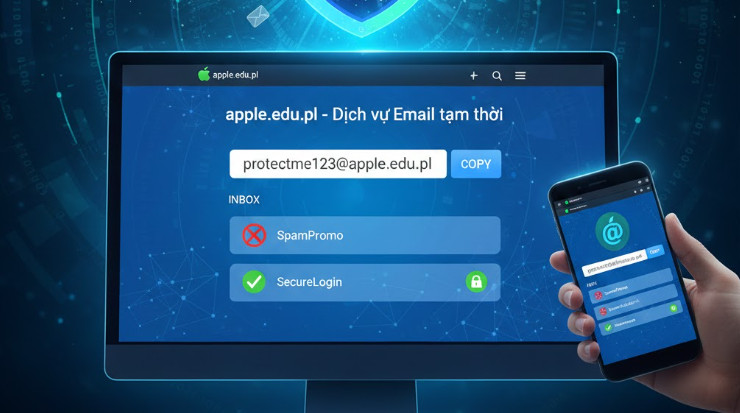
apple.edu.pl is a type of Temporary Email (also known as disposable or throwaway email) using a Polish educational domain suffix (.pl for Poland and .edu for education).
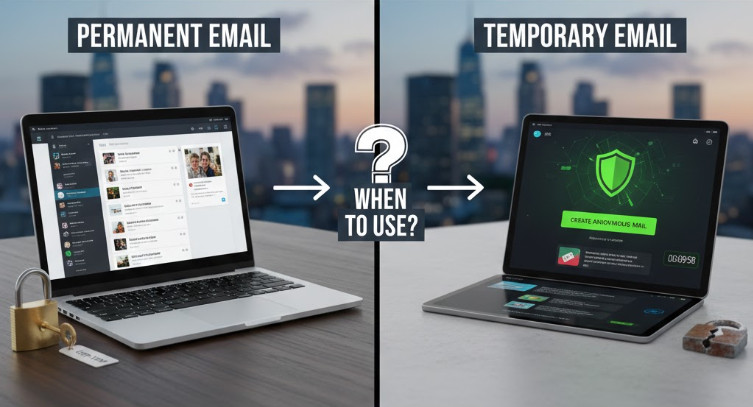
Unlike a permanent Gmail or Outlook account, these addresses are generated instantly without requiring a password or personal registration. They are designed to last for a short period—usually from 10 minutes to a few hours—allowing you to receive verification codes (OTP) or activation links before the inbox self-destructs.
2. Why is the apple.edu.pl Extension So Popular?
While there are many temporary mail extensions, apple.edu.pl stands out for several reasons:
Premium "Edu" Status: Many websites offer exclusive perks to students. The .edu suffix often bypasses filters that block standard "disposable" mail providers.
Zero Spam: By using this for one-time registrations, your primary inbox stays clean and organized.
Anonymity: You don't have to provide your phone number, real name, or backup email to get one.
3. How to Use Temporary Mail to Hunt for Online Deals
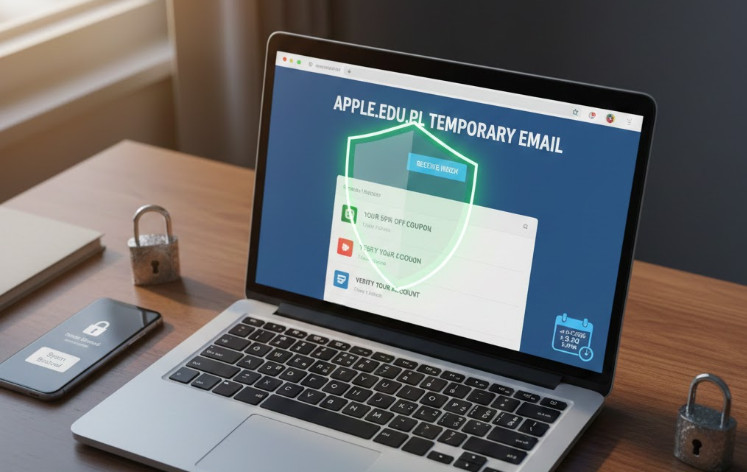
One of the most common uses for this type of email is accessing "New Member" rewards or limited-time promotions.
Pro Tip for Deal Hunters: > If you are looking for the latest shopping deals or exclusive software trials, don't risk your private data. Instead of using your real identity, you can cleverly use a temporary address. [Click here to create your burner mail now] to claim your rewards in under 30 seconds without the fear of being tracked.
4. The Pros and Cons of Using Disposable Email
Before you start using apple.edu.pl, it’s important to understand both sides of the coin:
The Benefits
Time-Saving: No sign-up forms; just copy, paste, and receive.
Privacy: It acts as a "buffer" between you and untrusted websites.
Free of Charge: Most services providing this extension are 100% free.
The Risks
Non-Recoverable: Once the session expires, the email is gone. Do not use it for accounts where you might need to "Reset Password" later.
Not for Sensitive Tasks: Never use temporary mail for banking, government services, or official work communications.
5. Best Practices for Protecting Your Personal Information
Using a temporary email is a great start, but true digital security requires a few more habits:
The "Separation" Rule: Use your primary email exclusively for banking and work. Use a temporary mail like apple.edu.pl for forums, public Wi-Fi logins, and casual sign-ups.
Avoid Sharing Sensitive Data: Even if an inbox feels private, never send photos of your ID, credit card details, or home address through a disposable mail service.
Use Trusted Providers: Only generate emails from reputable platforms to ensure your temporary data isn't being harvested by malicious third parties.